Renting out a house#
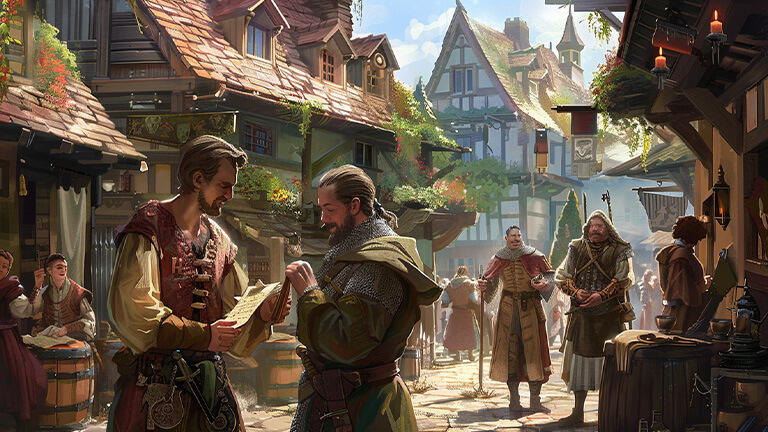
You can rent out spaces in your building to other clones or move your clones into it from your account. Setting up your rentals correctly allows you to generate income and manage tenants without losing control of your building.
Population of clones#
- Page: “Real Estate” → “Move in” button next to the house.
- Each clone occupies one place in one house.
- Moving to another home requires prior eviction from the current one.
- Number of seats = base level of the house.
- On imperial lands or in a principality without a settlement, renting is not possible.
Setting up a lease#
- Daily fee: from 0.0001 to 0.1 gold coin.
- Maximum rental period: 3–299 days.
- The change in conditions applies only to new tenants.
- If you don’t want to rent out, enter 0 → only move in your clones.
Payment of rent#
- Received daily to the owner’s gaming account after deducting 1% tax.
- If tax < 0.0001 gold → not charged.
- Your own clones and clones from your other accounts do not pay.
- In a clone auction, rent is accumulated and paid after the transaction as a separate item, “Accumulated Rent Payments.”
Tenant management#
- Lease renewal refusal: “Tenant list” → “do not renew lease” icon.
- After eviction, another clone cannot move into this house for 2 days.
- Your own clones can be evicted instantly, without limitation.
Tax distribution#
- 25% of the tax → Imperial House Fund.
- 25% of the tax → active players fund.
- The rest → to the owner of the house.